Archetype UI: Designing in Code
How AI changed our design workflow at Open Architects
Archetype UI React Components
Overview
Open Architects builds data dashboards for K-12 school districts, and I am the only designer on the team. When I joined as Senior Product Designer, every screen started in Figma. Today, most of my design work happens in code.
I rebuilt our design system as real React components and now prototype directly in a live app I call Archetype UI, prompting Claude to do most of the building. Figma still earns its place for genuinely complex visual work, but it is no longer where design starts. Here is what changed, and why it made a one-designer team faster.
Project
- Client
- Open Architects
- Role
- Senior Product Designer
- Platform
- Web
- Tools
- Figma · Claude Code · Figma MCP · Next.js · Tailwind
The problem
In Figma, every design is a mockup. It looks finished, but it is still a picture, and there is always the question of whether it will survive being built. Designing only in Figma left me with three recurring problems.
- 1Prototypes could only go so far. Real interactions, loading and empty states, live data, and responsive behavior had to be described in notes instead of shown.
- 2Handoff lost detail. The code Figma generates rarely shipped as-is, and "is this even buildable?" hung over every spec.
- 3It was slow. A major feature could take weeks to design in Figma alone.
The change
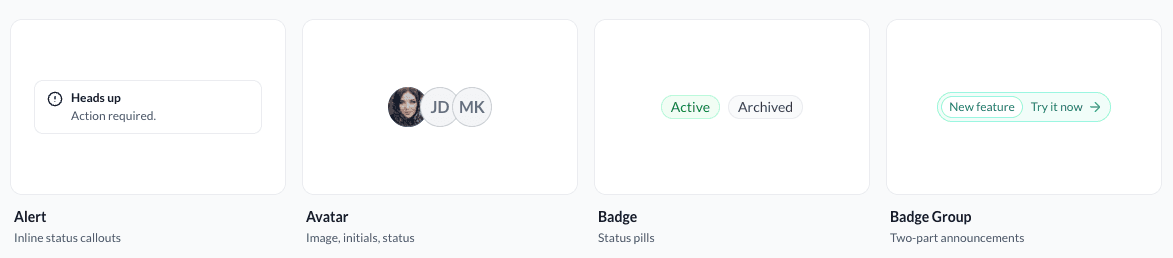
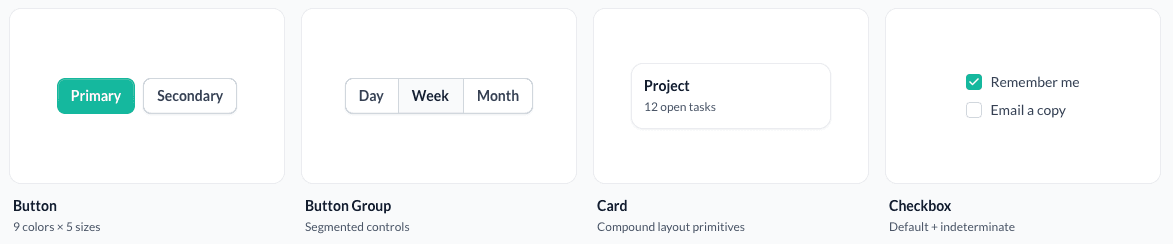
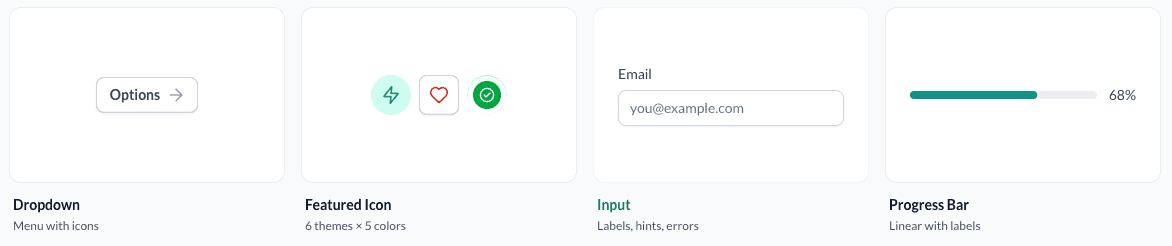
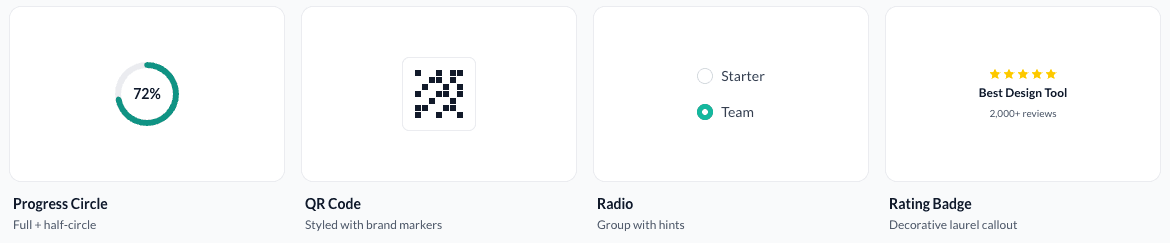
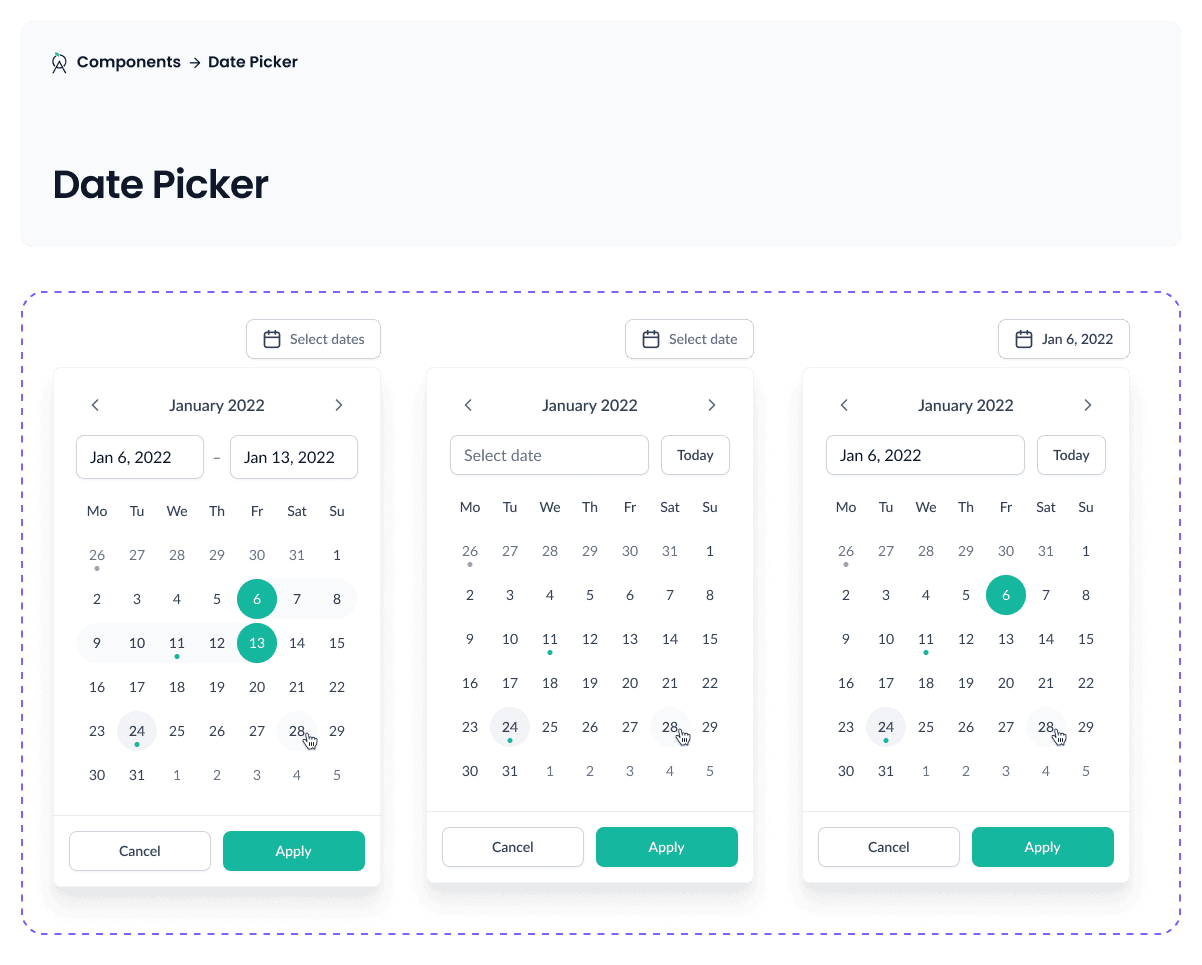
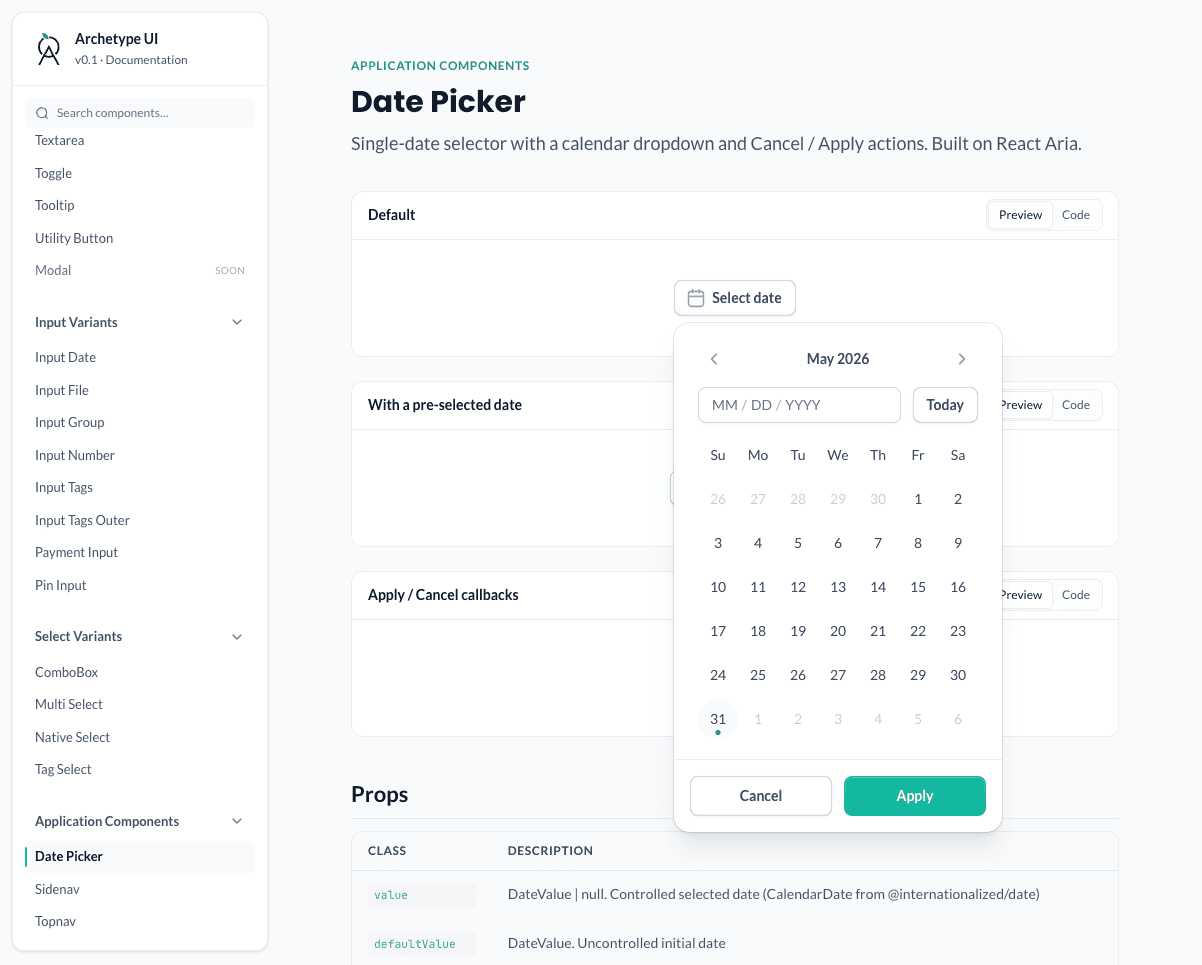
I moved the starting point from Figma to Next.js. Using our Figma files as a reference, I rebuilt the design system as real React components. Claude generated most of that code, reading the original designs through the Figma MCP, a bridge that lets Claude pull layout and styles straight from Figma.
Now new screens get built by prompting Claude directly: composing existing components, adjusting state and interaction, and adding new components when I need them. My job in the loop is mostly prompting and reviewing. I describe what I want, Claude builds it, I refine, and we repeat.
All of this lives in Archetype UI, a standalone Next.js app kept separate from our production codebase. It uses the same design system but has no backend and none of the constraints of production code, so I can move fast and try things without consequences.


The result
The biggest change was what I could put in front of people. Instead of debating whether something was feasible, engineers could open the prototype and use it. Stakeholder reviews got the same upgrade: a working flow says far more than a clickable Figma file, and the conversation stayed about the product instead of the mockup.
The prototypes also got more honest. Edge cases, interaction feedback, and realistic flows running on mock data (sorting tables, exporting files, validating input) could be shown in motion instead of explained in a spec.
As the only designer, this was a force multiplier. Exploration that used to require engineering time, or simply never happened, was now one prompt away.
Reflections
Designing in code did not replace design thinking. The hard questions are the same: what should this feel like, what does the user actually need, what is the simplest path through. What changed is the speed. The answers stop being pictures and become something you can click, test, and ship.